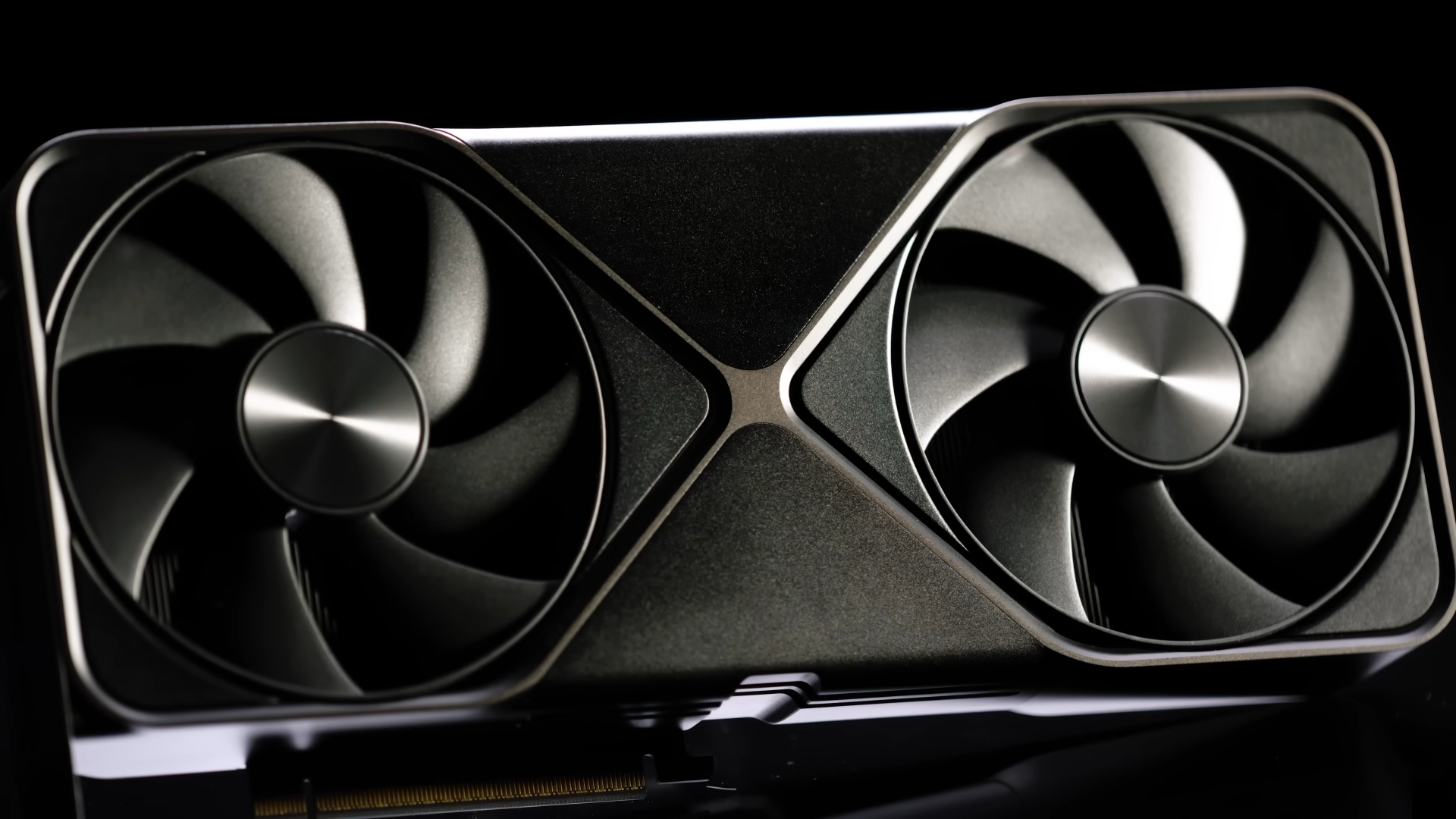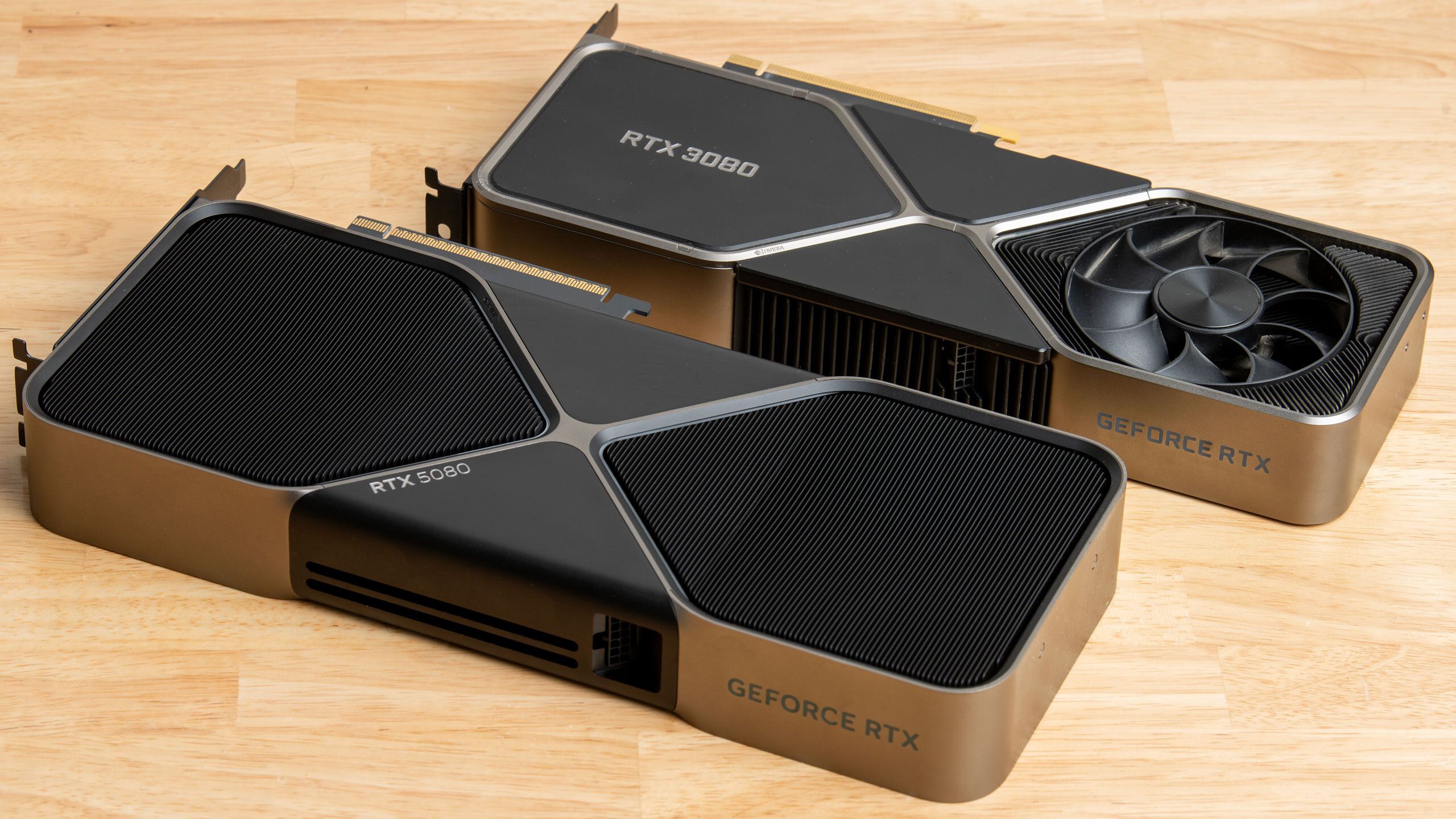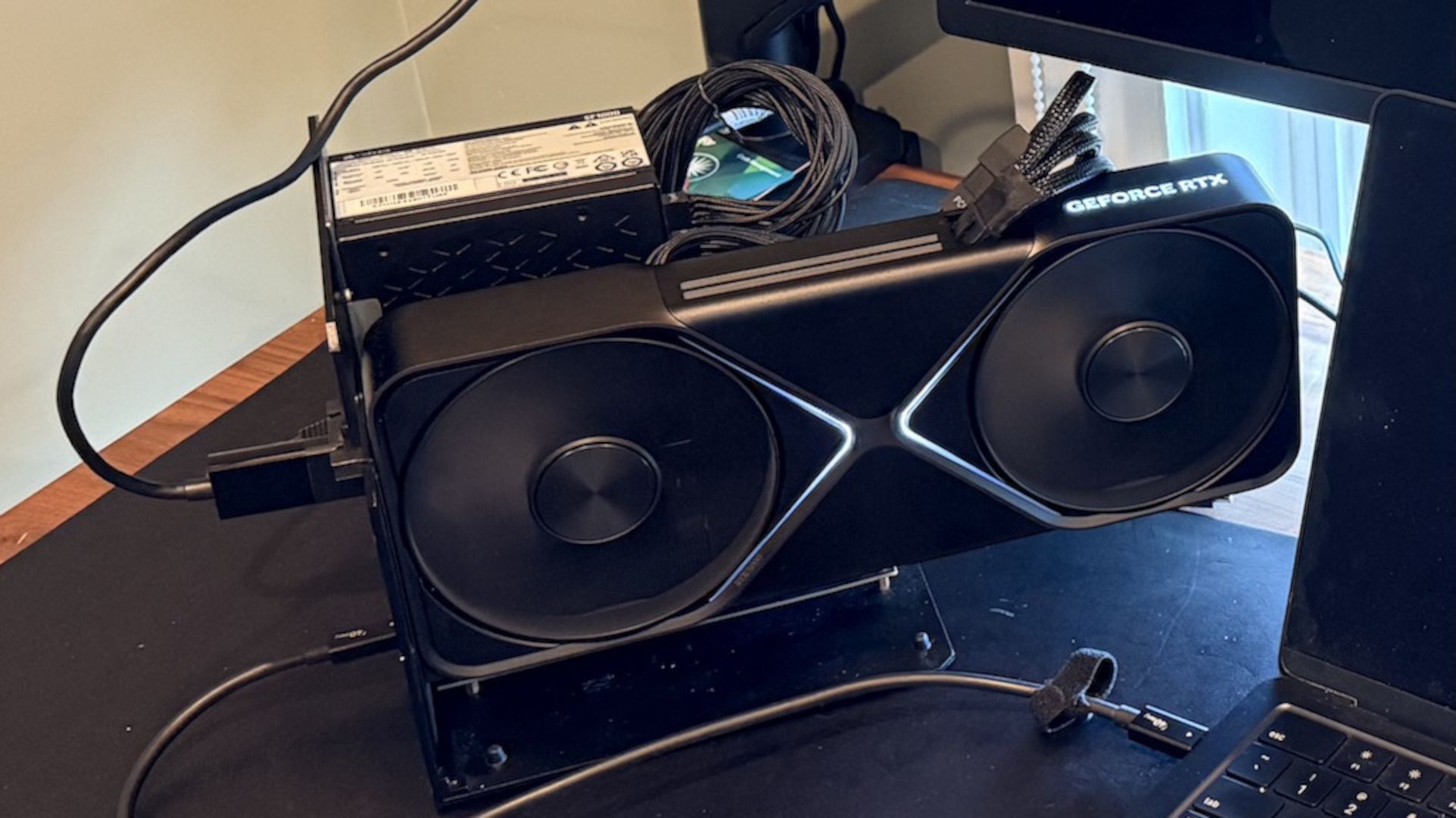
The data is stark: 100 frames per second. Not on a souped-up gaming rig, but on a MacBook Pro. Not just any MacBook, but one sporting Apple’s M5 Max silicon, yoked to an external Nvidia RTX 5090 via an eGPU dock. Software engineer Scott J. Goldman didn’t just tweak settings; he seemingly rebuilt the bridge between macOS and Nvidia hardware, navigating a technical minefield to achieve this headline-grabbing performance in Cyberpunk 2077. And it worked, largely thanks to frame generation.
But let’s be clear: this isn’t plug-and-play. This is a victory born of sheer technical grit, a proof to what’s possible when you’re willing to tear down operating system barriers. Goldman had to get creative, wading through the murky waters of virtualization and emulation to make an ARM-based Mac play nice with an x86-focused world, all while wrestling with Thunderbolt’s notoriously fickle embrace of external GPUs on Apple Silicon.
The sheer effort involved is almost a story in itself. MacOS, bless its elegant heart, has zero love for Nvidia GPUs. Native drivers? Forget it. Linux, the usual fallback for such GPU shenanigans, also has its own set of grievances with Apple Silicon’s Thunderbolt implementation. So, what do you do? You virtualize. You build a Linux environment within macOS, a digital doppelganger that can then be coaxed into recognizing the beastly RTX 5090 tethered via Thunderbolt. This isn’t just about convenience; it’s a fundamental workaround for a lack of native support.
And the rabbit holes went deeper. PCI BAR setup, DMA enablement—these aren’t terms you typically associate with firing up a game. Then there was the QEMU scheduling issue. Default settings, apparently, led to performance scores that danced around like nervous nellies. Why? The virtualization app wasn’t telling the virtual CPU threads to prioritize anything. It’s the kind of low-level, fiddly problem that makes you appreciate the engineers who do this stuff for a living.
Then comes the FEX translation layer. Since the vast majority of PC games spew out x86 instructions, and the M5 Max (or M4) speaks ARM, you need a translator. FEX is that translator. It converts one instruction set to the other. This, as the benchmarks would reveal, comes with a significant tax.
The Benchmark Gauntlet
Goldman’s comparison setup reads like a tech enthusiast’s fever dream: the M5 Max MacBook Pro, an older M4 MacBook Air, a 2020 Intel MacBook Pro running Linux natively (a benchmark for comparison’s sake), and a standard i5-12600K gaming PC, all hooked up to an RTX 5090. He even threw in benchmarks for the MacBooks’ integrated GPUs, just to hammer home the point of what they’re up against.
The results are eye-opening. With frame generation enabled—that magical tech that invents frames to smooth out motion—both the M5 Max and M4 MacBooks, despite the overhead of virtualization, translation, and an eGPU connection, managed to sail past 100 FPS in Cyberpunk 2077 at its RT Ultra preset. Impressive.
But strip away frame generation? The party effectively ends. On the M5 Max, performance drops to just over 60 FPS. On the M4, it’s sub-50 FPS. That older Intel MacBook Pro, running Linux natively, pulls nearly identical frame rates to the M4 without frame generation. The native desktop i5-12600K, however, left them all in the dust, hitting over 150 FPS. Other games tested, like Shadow of the Tomb Raider and Crysis Remastered, sputtered below 60 FPS.
The Real Bottleneck: FEX and Overhead
Goldman’s analysis points a finger squarely at the FEX translation layer. It’s the digital equivalent of trying to translate a Shakespearean sonnet on the fly while juggling chainsaws. It incurs roughly a 50% performance penalty on the CPU compared to native ARM processing. Geekbench 6 scores dropped by half when FEX was engaged with the Linux VM. Even in a benchmark like GravityMark, where the overhead was supposedly less pronounced, the desktop experience still held a 20% lead.
Goldman states that FEX incurs a roughly 50% performance penalty on the CPU compared to native ARM processing.
So, yes, an M5 Max MacBook Pro can game with an RTX 5090. It can hit impressive frame rates. But the pathway is arduous, riddled with technical hurdles that demand a deep dive into virtualization and translation. Frame generation becomes less of a bonus feature and more of a necessity to overcome the systemic performance losses. In an ideal world, the eGPU connection would be the primary bottleneck. Here, it’s compounded by software layers and the fundamental architectural differences. It’s a fascinating demonstration of what the hardware is capable of, but the setup process alone disqualifies it for any but the most determined enthusiast. One can only hope that Apple eventually throws a bone to Mac gamers and streamlines eGPU support on its M-series chips.