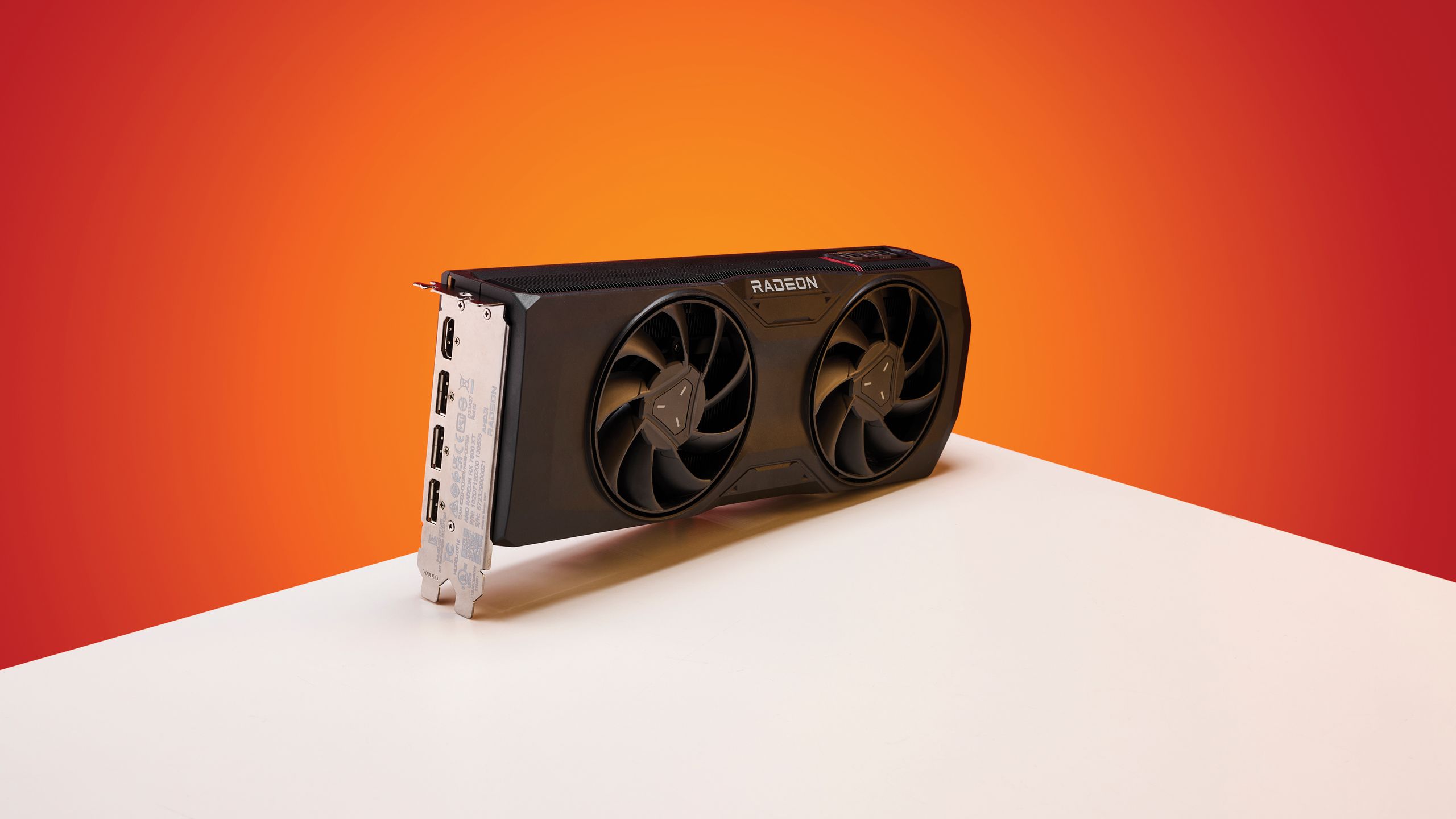
Driver update bricked fans.
Yeah, I’ve seen it all. Twenty years in this Valley, and the script is always the same: a shiny new product, a flurry of breathless press releases, and then, inevitably, the bug reports. This time around, it’s AMD’s Adrenalin 26.5.1 graphics driver that’s got folks on Reddit wringing their hands. Apparently, a feature designed to make your PC quieter – the much-vaunted Zero RPM mode – is now a ticking time bomb for your graphics card.
Look, Zero RPM. It’s simple, right? Fans stop spinning when your GPU isn’t working hard, like when you’re just browsing the web or, I don’t know, actually trying to get some work done without your rig sounding like a jet engine taking off. Less noise, less dust, longer fan life. Sounds great on paper, and for a while, it was. The problem? After a monitor goes to sleep, or you power it back on, this driver seems to forget all about it. The fans stay off, the heatsink does its passive cooling thing, and your card starts to cook.
The Silent Threat
This isn’t some theoretical issue. Users are reporting that their GPUs are climbing in temperature, silently. Imagine booting up your machine, starting up your favorite game, and your graphics card is already running hot because its cooling system decided to take an unscheduled nap. We’re talking thermal throttling, performance dips, and the dreaded possibility of actual hardware damage. For anyone living in a warmer climate, this is less of an inconvenience and more of a looming disaster.
“The issue poses a significant risk, as you may unknowingly begin gaming or other demanding tasks while the cooling fans remain idle, preventing proper heat dissipation.”
That’s the kind of quote that makes me reach for my coffee. It perfectly captures the insidious nature of this bug. It’s not a loud crash; it’s a slow, quiet burn. And it’s not just one person; at least four other AMD owners have chimed in with the same infuriating problem.
What are you supposed to do?
So, what’s the grand solution from the wizards in the lab? Well, the most basic fix is a full system restart. Every. Single. Time. Your monitor sleeps. Seriously. Imagine the tedium. Or, you could just turn the whole feature off, negating the very reason you bought a card with it in the first place. Brilliant. Another suggestion involves a ‘clean offline installation’ using a third-party tool like Display Driver Uninstaller. That’s a bit more involved than most users want to deal with just to keep their graphics card from melting.
Then there’s the rollback option: ditch the latest driver for an older, presumably less buggy, version. But who wants to skip out on new features, optimizations, or, you know, security updates? It’s a constant trade-off, isn’t it? Features versus stability. Hype versus reality. And here, the hype of a quiet PC is currently losing badly.
Who’s Making Money Here?
Let’s get real. AMD is trying to push its latest hardware, and drivers are a part of that ecosystem. They want you to upgrade, to buy the newest, shiniest GPU. But what happens when the software meant to support that hardware actively harms it? It erodes trust. And trust, in this business, is worth more than any temporary performance boost. The company that profits here isn’t AMD, not when they’re dealing with a PR nightmare like this. It’s the third-party driver cleaner manufacturers, and maybe, just maybe, the manufacturers of replacement GPUs down the line. A grim joke, but a joke nonetheless.
AMD has seemingly been notified, but there’s no official word, no fix in sight. The latest driver, 26.5.2, which dropped today, makes no mention of this little fan fiasco. So, if you’re rocking an AMD card and this bug sounds familiar, your best bet is to submit a report yourself. Pile on. Maybe then, maybe, they’ll get around to fixing it before someone’s expensive piece of silicon turns into a paperweight.
My historical parallel for this? It reminds me of the early days of graphics card drivers, back when a new driver release could just as easily cause your display to flicker out as it could boost frame rates. We’ve come a long way, or so I thought. Apparently, the more things change, the more they stay the same – especially when it comes to rushed software updates and the silent, creeping temperatures they can unleash.