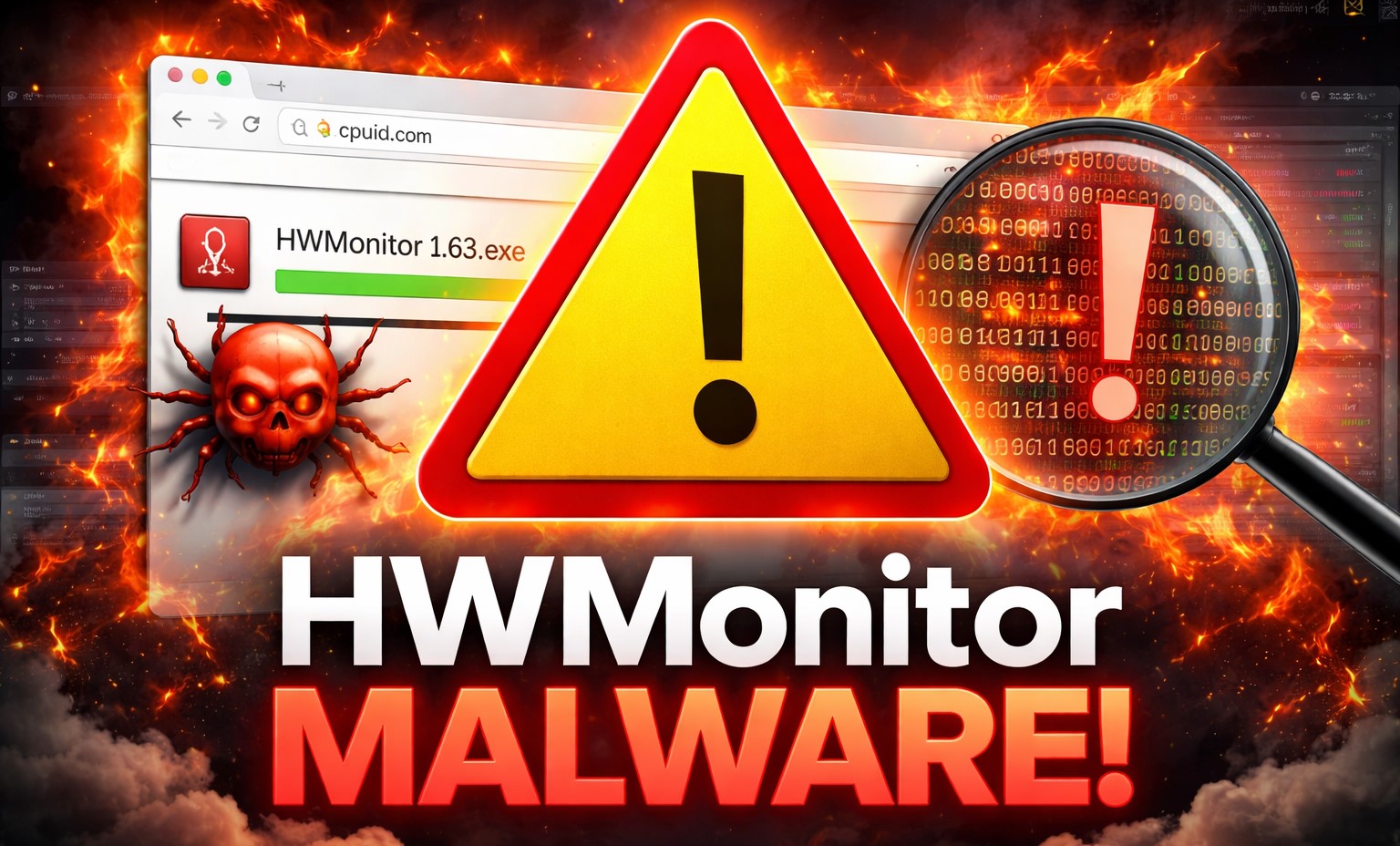
Reddit lit up last night when a user hit ‘update’ on HWMonitor, only to see Windows Defender light up like a Christmas tree.
HWMonitor and CPU-Z—two staples for anyone tweaking rigs or chasing benchmarks—have their download channels compromised with malware. Reports flooded in from users grabbing version 1.63 of HWMonitor and fresh CPU-Z installs, all triggering antivirus alerts. It’s not a glitch; cybersecurity trackers like vx-underground confirmed a multi-stage trojan slipped through a hijacked domain.
And here’s the kicker: the filenames don’t match. Expect ‘hwmonitor_1.63.exe’? Nope—users got ‘HWiNFO_Monitor_Setup.exe,’ a dead giveaway something’s rotten.
What Exactly Went Down with These Downloads?
User u/DMkiller spilled the details first. He clicked through the official CPUID page—straight from HWMonitor’s update prompt—and downloaded what should have been legit. Windows Defender screamed virus. He pushed past, watched a Russian-labeled installer pop up, then slammed cancel.
VirusTotal? Lit up with 20+ detections. Not isolated—dozens echoed the same on Reddit, Twitter, forums. Developer Samuel Demeulemeester chimed in:
“The investigations are currently ongoing, and as per their analysis, the core binaries themselves were not altered. It’s the secondary feature or an API that is connected to the website that got compromised for nearly six hours.”
Six hours. In tech time, that’s an eternity—enough for thousands, maybe millions, to grab the poisoned bait. These aren’t niche apps; HWMonitor and CPU-Z rack up tens of millions of downloads yearly. Overclockers, reviewers, IT pros—they all lean on ‘em daily.
But wait—markets move on trust. Lose that in your go-to monitoring suite, and you’re scrambling. CPUID’s been the gold standard since the early 2000s, free, no bloat. Now? Shadow of doubt.
Why Target HWMonitor and CPU-Z Specifically?
These tools burrow deep—read temps, voltages, clock speeds across CPUs, GPUs, RAM. Perfect spy perch for malware eyeing your hardware specs, maybe fingerprinting for bigger attacks. Or worse, persistence: imagine trojans phoning home every boot, exfiltrating data.
vx-underground nailed it as a supply-chain hit—classic move. Remember CCleaner 2017? Same playbook: trusted vendor’s update server pwned, 2.7 million users dosed with backdoors. Piriform scrambled; Avast bought ‘em out after. History rhymes hard here. CPUID’s small team—solo dev vibes—can’t match enterprise defenses. No zero-trust architecture? Ripe for API exploits.
My take? This reeks of opportunistic hackers scanning for low-hanging fruit. Not nation-state sophistication, but effective. Bold call: if CPUID doesn’t audit their entire stack publicly soon, users bolt to HWInfo or Open Hardware Monitor. Open-source alternatives already gaining; this accelerates it 2x over.
Numbers back the shift. Steam Hardware Survey: millions track rigs monthly. Tools like these underpin that data. Compromise erodes the ecosystem—reviewers pause benchmarks, enthusiasts ditch tweaks. Short-term dip in CPUID traffic, sure. Long-term? They’re yesterday’s news unless they spin this into ironclad transparency.
Short para for punch: Don’t update. Period.
Users who grabbed the bad files? Scan now—Malwarebytes, full system. Russian installer hints at infostealer trojan; check task manager for odd processes, network logs for C2 chatter.
Should You Ditch HWMonitor and CPU-Z Forever?
Not yet—but pivot smart. HWInfo’s battle-tested, free, no web dependencies. AIDA64 if you’re pro. Core binaries clean, says the dev, but who risks it? That API flaw? Lingers until patched.
Market dynamic: hardware monitoring’s commoditized. No moats left. CPUID’s edge was convenience—official site, one-click updates. Gone. Expect forks, mirrors popping up. Or worse, copycats seeding more malware.
Critique their spin: “Core binaries not altered” dodges the point. Users don’t dissect installs; they trust the pipe. Break that, own the fallout. Six hours? Sloppy monitoring on their end.
And the human cost—picture a gamer frying a $1500 GPU chasing undervolts, all while malware siphons login creds. Real risks, not hypotheticals.
So, six dense paras down—let’s breathe.
Predictions: Downloads crater 80% short-term. CPUID pushes emergency clean release by week’s end, or bleeds users. Bigger picture—supply chain paranoia spikes. Vendors, wake up: sign your updates, ditch dynamic links.
Is Your PC Safe After Downloading HWMonitor or CPU-Z?
Run VirusTotal on any suspect EXE. If you ignored Defender, boot to safe mode, nuke the install folder (C:\Program Files\CPUID). Change passwords—assume compromise.
Alternatives matrix: HWInfo (most feature-rich), GPU-Z (GPU-focused), Speccy (lightweight). All vetted, no drama.
This isn’t hype; it’s a wake-up. Tech’s underbelly—free tools fund via ads, APIs. One slip, cascade fails.
🧬 Related Insights
- Read more: Aparna Bawa Jumps from Zoom to Intel: The Culture Fixer Chipmakers Desperately Need
- Read more: Brookhaven Lab Weaponizes Uncertainty for Smarter AI Molecules
Frequently Asked Questions
What caused the HWMonitor and CPU-Z malware infection? Compromised website API served trojanized installers for ~6 hours; core files untouched, per devs.
Are HWMonitor and CPU-Z safe to download now? No—avoid official links until CPUID confirms cleanup. Use alternatives like HWInfo.
How do I check if I got infected from HWMonitor download? Scan with VirusTotal, Malwarebytes; watch for Russian installers or odd network activity.